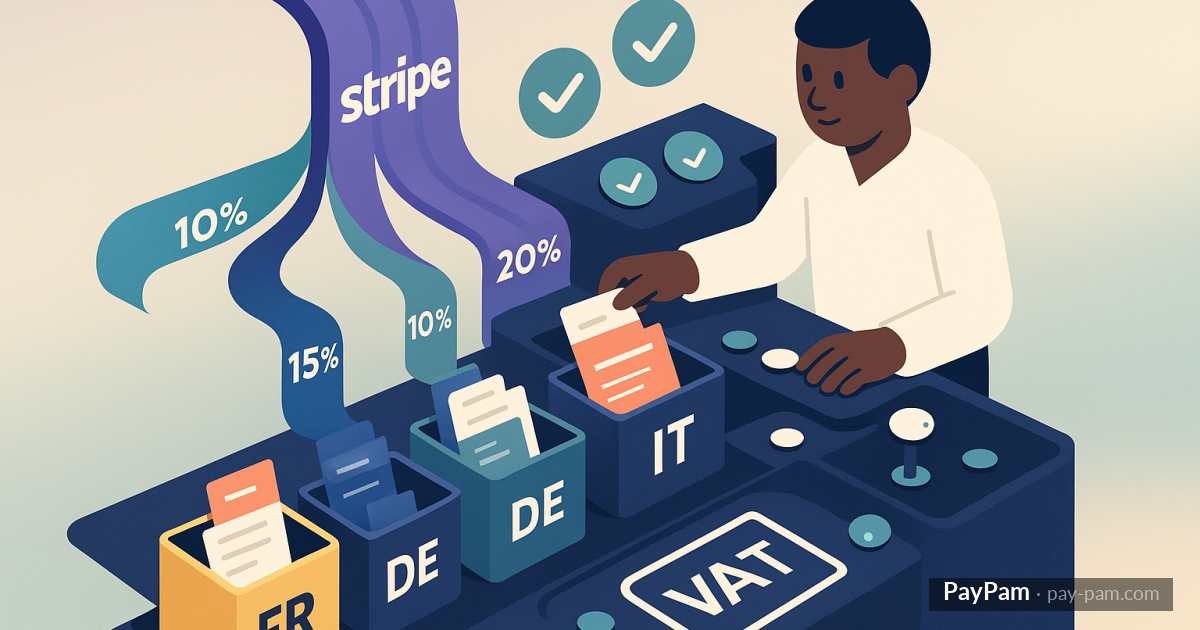
If you sell services or digital products from an EU country to customers in other EU countries, you’ve probably run into the intra-EU VAT puzzle. The rules are clear on paper but applying them when every Stripe subscription comes from a different customer becomes a headache.
And if your invoicing plugin always applies the default domestic VAT, you’re issuing incorrect invoices. And at filing time, you’ll pay for it.
The basic rules (very short)
- Domestic customer: local VAT at the applicable rate (standard, reduced, zero-rated, exempt).
- Business in another EU country with a valid VIES VAT number: intra-EU transaction, invoice without VAT (reverse charge). Must be declared in the recapitulative statement.
- Consumer in another EU country: depends on product type. Digital services to EU consumers: destination-country VAT (OSS scheme). Physical goods: specific distance rules.
- Customer in a third country (outside EU): generally exempt, treated as export.
That’s the short version. The actual tax reality has more detail, but those are the four cases your invoicing system has to distinguish automatically.
Why generic plugins get it wrong
«Automatic invoicing from Stripe» plugins not designed for the European market usually:
- Apply a fixed VAT without checking the customer’s country.
- Ignore the VAT number or don’t validate against VIES (the official EU registry for intra-community operators).
- Treat all EU customers the same, without distinguishing business from consumer.
- Don’t differentiate digital services vs goods vs physical services.
Result: invoices with VAT when there shouldn’t be, or without VAT when there should, and a manual correction job each quarter that never ends.
What a serious tool should do
- Capture and validate the VAT number at customer signup or first purchase. Real VIES validation, not just format.
- Distinguish business vs consumer based on VAT number presence and validity.
- Apply the correct rate based on country + customer type + product type.
- Mark the invoice correctly (reverse charge, OSS, export, etc., depending on case).
- Log why that rate was applied to that invoice, for when you need to justify.
Configurable rules by keyword or product
Often, even within the same country and customer type, products have different VAT. Books at reduced, digital at standard, essentials at reduced, general services at standard. The tool should let you define rules based on product name, code, or amount, so each invoice comes out with the right VAT.
Configuring this once saves the job of reviewing each invoice manually. And more importantly, it protects you against audits where a VAT misapplied for months can get expensive.
What you can’t fully delegate
However well the automation works, there will always be cases that need your review: a customer changing country, a VAT number that was active and goes inactive, a regulatory change. The tool has to make correction easy, not block it. If the invoice goes out automatically but incorrect, it has to be editable or cleanly voidable.
PayPam integrates Stripe with Factura Directa with VAT rules configurable by keyword, product, or geography. It distinguishes domestic, intra-EU with VIES, EU consumers, and exports, applying the right rate on each invoice. Everything is logged and visible in the panel, with filters by source and status to review quickly at quarter close.
Keep reading
- The complete guide to recovering recurring revenue in Stripe
- How to prevent duplicate invoices when receiving Stripe webhooks
- Stripe dashboard alternatives: when they’re actually worth it