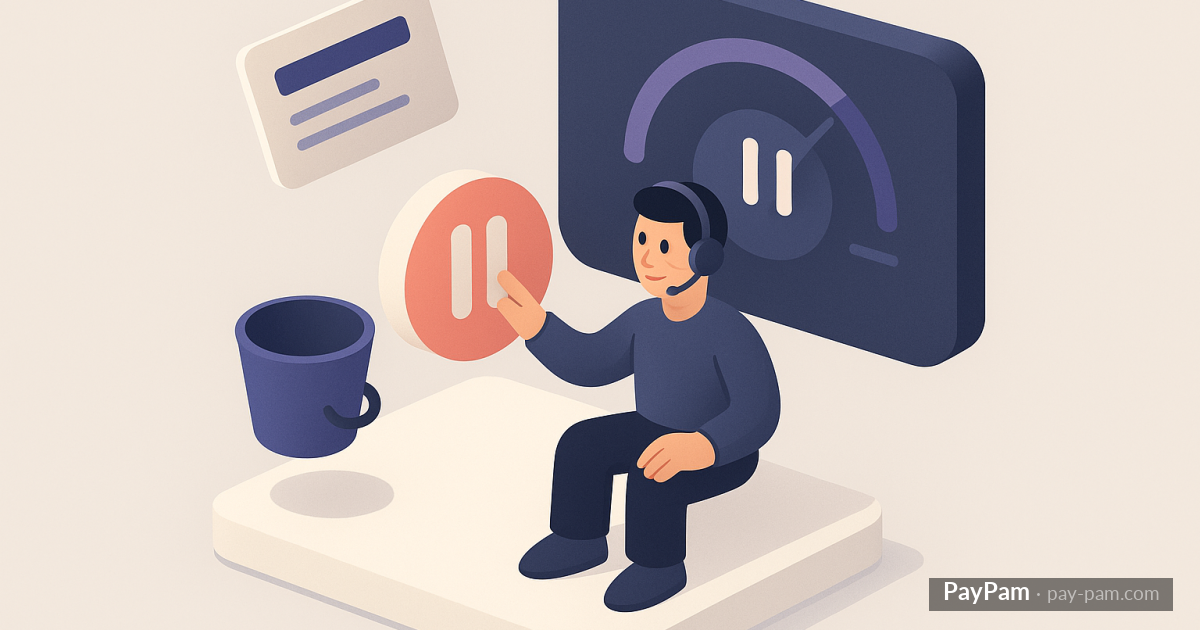
When a customer wants to cancel but isn’t unhappy with your product — they just don’t need it right now, have a temporary financial issue, or are going on vacation — offering a pause is much better than losing them.
How pausing works in Stripe
Stripe allows pausing a subscription in two ways: suspending charges for a set time or applying a 100% discount coupon for N months. In both cases, the subscription still exists but isn’t charged.
When the pause ends, Stripe resumes billing automatically. The customer doesn’t have to do anything.
When to offer a pause
The ideal moment is when the customer reaches out to cancel and the reason isn’t dissatisfaction with the product. Most common pause reasons: job change, vacation period, temporary financial issue, won’t use it for a while.
If the reason is «I don’t like the product» or «I found something better,» a pause doesn’t make sense.
How long to pause
1-3 months works well. More than 3 months and the customer probably won’t come back — they’ve disconnected from the product.
The impact on retention
A pause doesn’t count as churn. The customer stays in your base, keeps receiving your communications, and when they reactivate they already know the product. Reactivation rate after a pause is significantly higher than recapturing a customer who canceled.
The alternative: reduced plan
Instead of pausing completely, you can offer a cheaper plan temporarily. The customer pays less, keeps basic access, and when they need the full service again, they upgrade. Better than losing them.
Stripe Control alerts you to scheduled cancellations so you can contact the customer and offer a pause before they leave.
Keep reading
- The complete guide to recovering recurring revenue in Stripe
- How to offer annual billing in Stripe to reduce churn
- How to calculate your real contractual MRR with Stripe