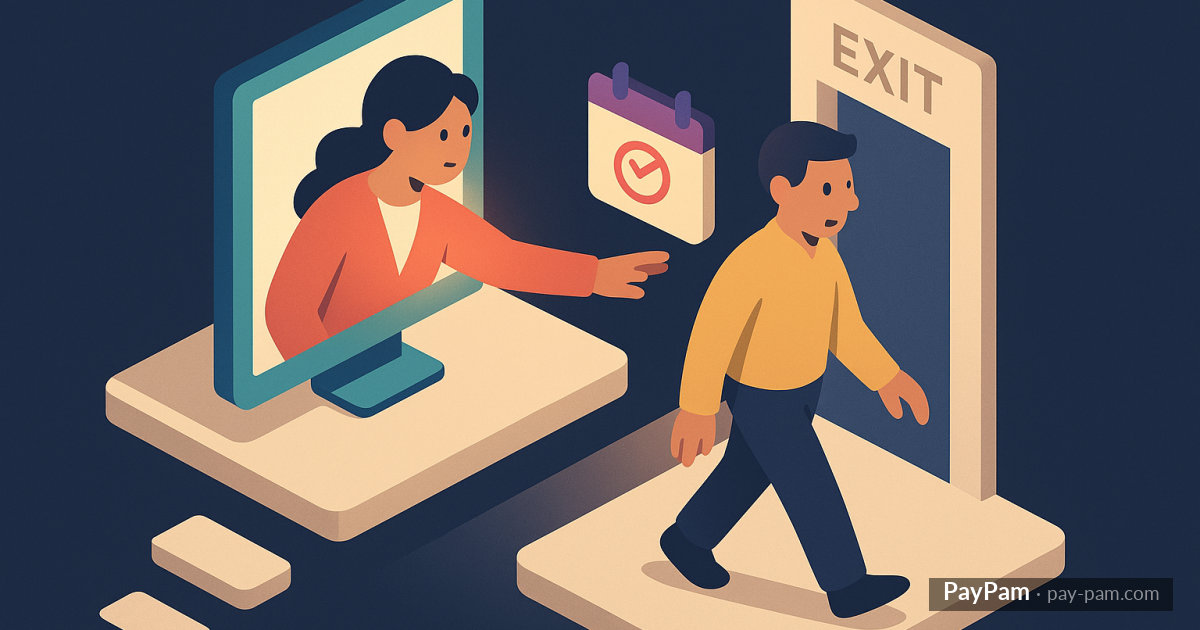
When a customer cancels their subscription in Stripe, nothing happens immediately. The subscription stays active until the end of the billing period. That gives you a window — sometimes days, sometimes weeks — to try something.
Most businesses miss that window because they don’t see cancellations until it’s too late. When they look at the monthly numbers, the customer is already gone.
The window most businesses ignore
Stripe marks cancellations as «scheduled cancellation» or cancel_at_period_end. The subscription stays active but has a death date. During that time, the customer is still using your service and you can reach out.
This window can be 1 day to 30 days, depending on when the last charge happened. If the customer canceled right after renewal, you have almost a full month. If they canceled the day before renewal, you barely have hours.
What matters is seeing the cancellation the same day it happens. Not at the end of the month in a report.
Why contact the customer
This isn’t about pressuring the customer to stay. It’s about three things:
Understanding the reason. A simple «it would help me a lot to know why» gives you incredibly valuable information. If 10 customers tell you the same thing, you have an actionable pattern.
Offering alternatives. Sometimes the customer cancels because of price but would be happy with a cheaper plan. Or cancels due to lack of use but would benefit from a one-month pause. Without asking, you won’t know.
Leaving a good impression. Even if the customer leaves, a friendly and professional email leaves the door open for them to return. Customers who leave well are more likely to come back than those who leave without anyone saying anything.
What to tell the customer
The email has to be brief, personal, and no pressure. No «don’t go!» or aggressive upfront discounts.
A message that works:
«Hi, I noticed you’ve decided to cancel. I totally understand — but it would really help me to know if there’s something we could improve. If it’s a price issue, we can look at an alternative. If you simply don’t need it anymore, I completely respect that. Thanks for the time you’ve been with us.»
It’s important that it feels like a person-to-person message, not an automated email. Even though technically it’s an email sent from your dashboard, the tone has to be human.
When to reach out
As soon as possible after the cancellation. Ideally the same day. The longer you wait, the less likely the customer will respond — mentally they’ve already left.
If they don’t respond in the first 48 hours, a second attempt 3-4 days later can work. More than two attempts is too much and goes from «interest» to «insistence.»
What percentage you can recover
Data varies a lot by sector and cancellation reason, but proactive contact during the cancellation window typically retains 10%-20% of voluntary cancellations.
Sounds small, but in a business with 10 cancellations a month at $30 each, retaining 2 is $60/month that accumulates. In a year, $720 in revenue that wasn’t lost thanks to one email.
Customize by case
Not all cancellations are the same. A customer who’s been with you 2 months needs a different message than one who’s been with you 2 years. A customer who cancels for price needs a different offer than one who found an alternative.
Having customizable email templates — with variables like cancellation date, plan, and name — lets you send relevant messages without writing them from scratch every time.
What you shouldn’t do
Offer a discount to everyone. If everyone who cancels gets a discount, you train your customers to cancel whenever they want to pay less.
Ignore the reason. If you contact the customer but don’t listen to what they say, you miss the opportunity to improve your product.
Contact nobody. The worst mistake. Every cancellation you don’t reach out to is a lost opportunity — to retain, to learn, or at least to leave a good impression.
Stripe Control shows you scheduled cancellations with their end date and lets you contact the customer directly from the dashboard with a customizable email.
Keep reading
- The complete guide to recovering recurring revenue in Stripe
- Stripe revenue recovery tools: what works and what doesn’t
- How to notify customers before their card expires on Stripe