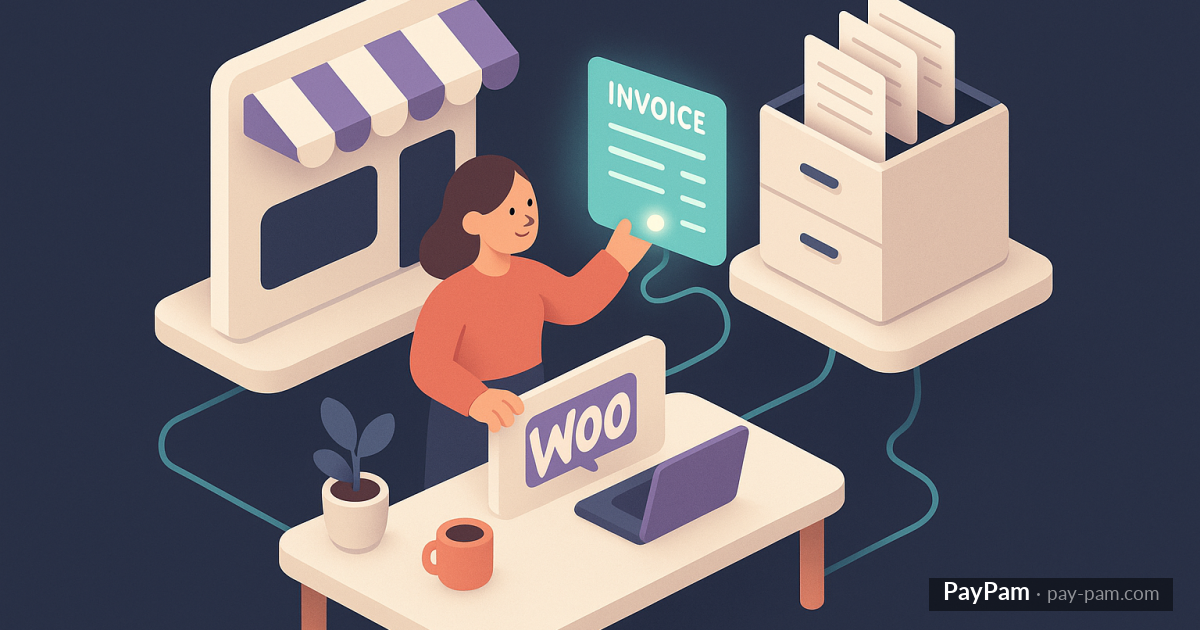
You sell on WooCommerce, you use Factura Directa for accounting. Problem is WooCommerce doesn’t talk to Factura Directa by default. Every order means logging into FD, creating the invoice, copying customer data, adding line items, calculating VAT. With ten orders a month it’s annoying. With a hundred it’s a problem.
And if you’ve tried to solve it with a generic plugin or a homemade script, you’ve probably discovered there are several surprises along the way.
What should happen every time an order arrives
The moment WooCommerce marks an order as «completed» (or whichever status you choose), this should fire automatically:
- Look up the contact in Factura Directa by email. If it exists, reuse. If not, create it with the order’s billing data (name, address, tax ID if captured).
- Create a new invoice in Factura Directa with each product from the order as a separate line, applying the correct VAT rate, discounts, and shipping costs.
- Record the payment as collected on that invoice.
- Optionally, email the invoice to the customer.
All of this should happen without your intervention, within seconds of the customer getting their order.
Why generic approaches break
Generic «WooCommerce + invoicing» plugins tend to struggle in a couple of places:
- Products with different VAT rates (food, books, digital) in the same order: many plugins apply a single VAT to the whole order, falsifying invoices.
- Shipping charges: some plug them in as a product, others ignore them, others duplicate.
- Orders with coupons: the discount has to apply correctly on the invoice, not as a weird negative line.
- Refunds and cancellations: if an order is voided or partially refunded, the invoice has to reflect it as a credit note, not leave a zombie.
- Customers without tax ID: the case has to be handled without breaking.
- Invoice series: if you use specific series for WooCommerce vs Stripe vs manual, they have to be respected.
A homemade script tends to work «for normal cases» and leave gaps in the edge ones. And the edge cases are what bite you in the quarterly filing.
What to demand from the tool
- Contact reuse by email: avoid duplicates.
- Automatic contact creation with tax ID and address when missing.
- Full order detail on the invoice: products, per-line VAT, discounts, shipping.
- State handling: order completed → invoice; refund → credit note.
- Configurable series: dedicate a series to WooCommerce.
- Optional email sending: with whitelist and blacklist if you need exceptions.
- Visibility: a panel showing what was invoiced, what’s pending, what errored.
Without these, you’re swapping manual work for manually supervising a script.
Where the difference shows
When quarterly close time arrives. With proper automation, you do nothing: invoices are in FD with correct data, and the tax filing comes out automatically. Without automation or with bad automation, the last weeks before close become full days reviewing orders, crossing data, correcting by hand.
Good automatic invoicing pays off in time saved, yes, but mostly because the quarterly close stops being a mini-project.
PayPam connects WooCommerce with Factura Directa and issues invoices automatically on each order: line detail, per-product VAT, discounts, shipping, configurable series. Also handles email sending with whitelist/blacklist. The dashboard shows month invoices, errors, and pendings without you having to log into FD.
Keep reading
- The complete guide to recovering recurring revenue in Stripe
- How to retry failed charges using backup cards on Stripe
- Stripe revenue recovery tools: what works and what doesn’t